Nothing beats the moment when everything in front of your camera comes together and you take the shot you pictured in your mind. Once you understand how to confidently dial in your camera’s settings, that moment becomes repeatable.
This section will help you build those skills from the ground up — one clear, simple concept at a time.
What You’ll Learn
- How your camera actually works
- Which buttons, features, and tools matter (and which ones don’t)
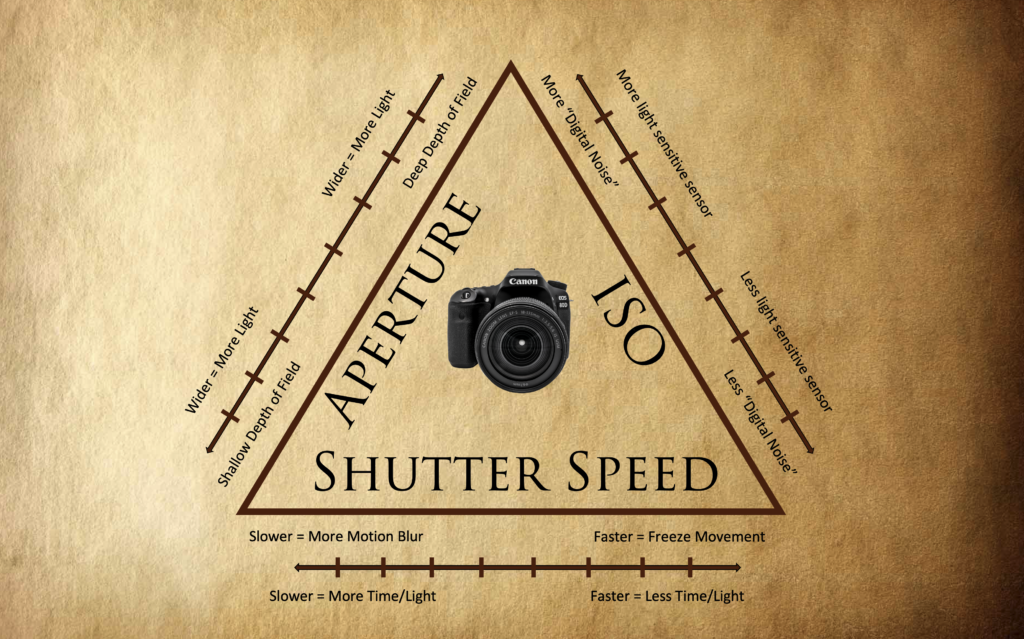
- How to control exposure, sharpness, motion, and background blur
- When to use each setting in real shooting situations
⭐ New to Canon Cameras? Start Here.
Start with these three beginner-friendly guides and go from “what does this button do?” to shooting with complete confidence.
Step 1: Get to Know Your Canon Camera
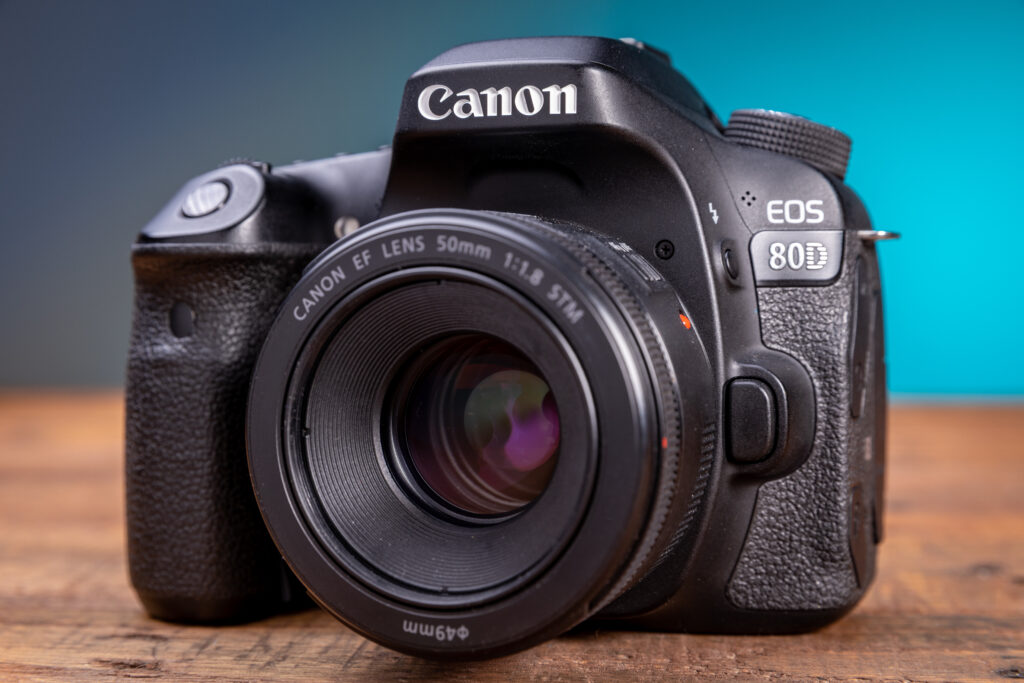
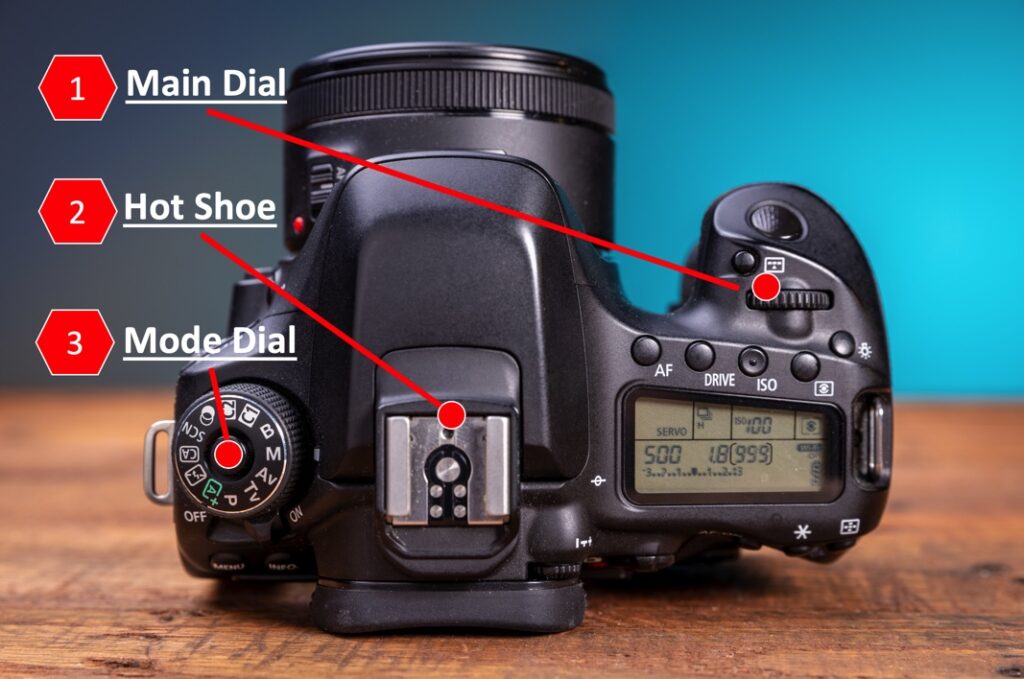
Learn what every major button, dial, and screen does so you always know where to look and what to adjust
Step 2: 11 Basic Canon Camera Settings
The essential settings every Canon beginner should understand — ISO, aperture, shutter speed, focus modes, and more.
Step 3: Canon Camera Modes Explained
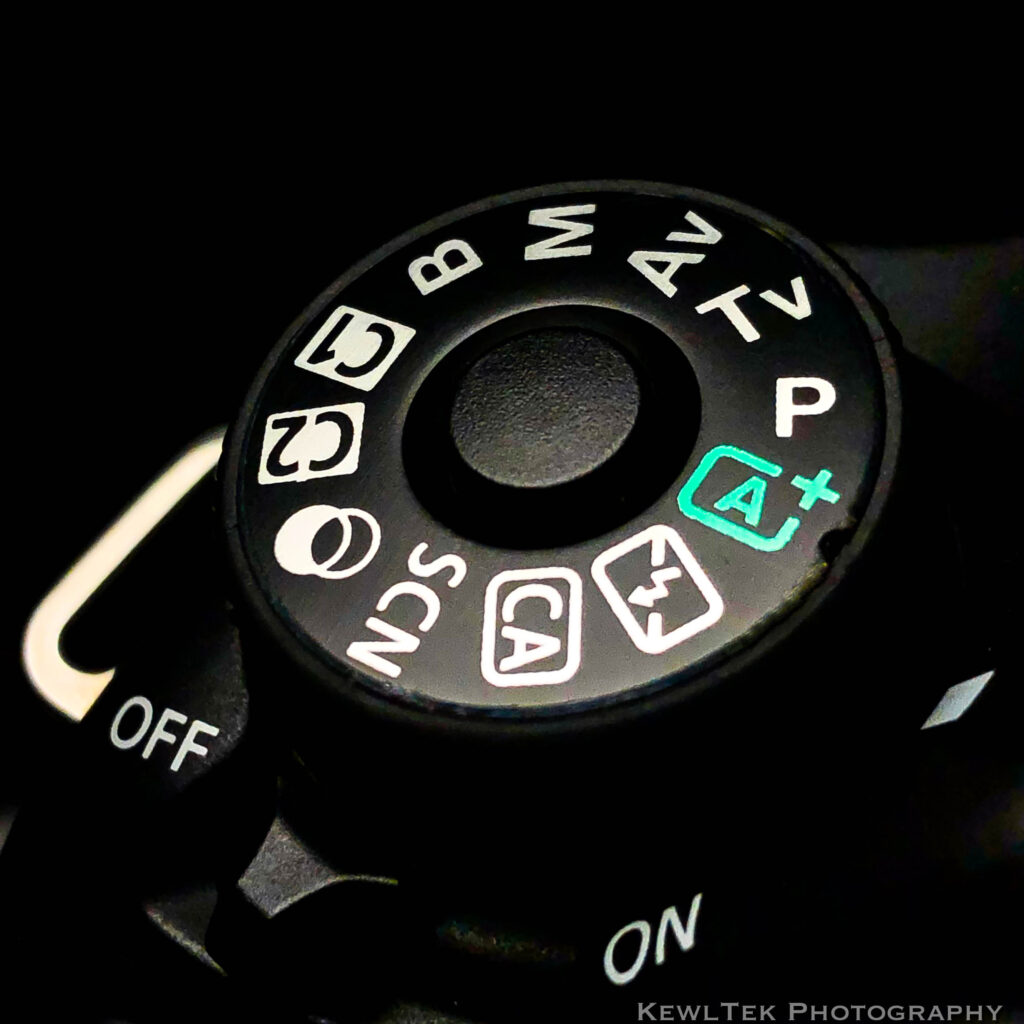
Confused by P, Tv, Av, and M? This guide breaks down every mode, and which ones actually matter for real-world shooting.
Each guide not only shows you what to change — it explains why the setting matters so you can apply it in real-world situations.